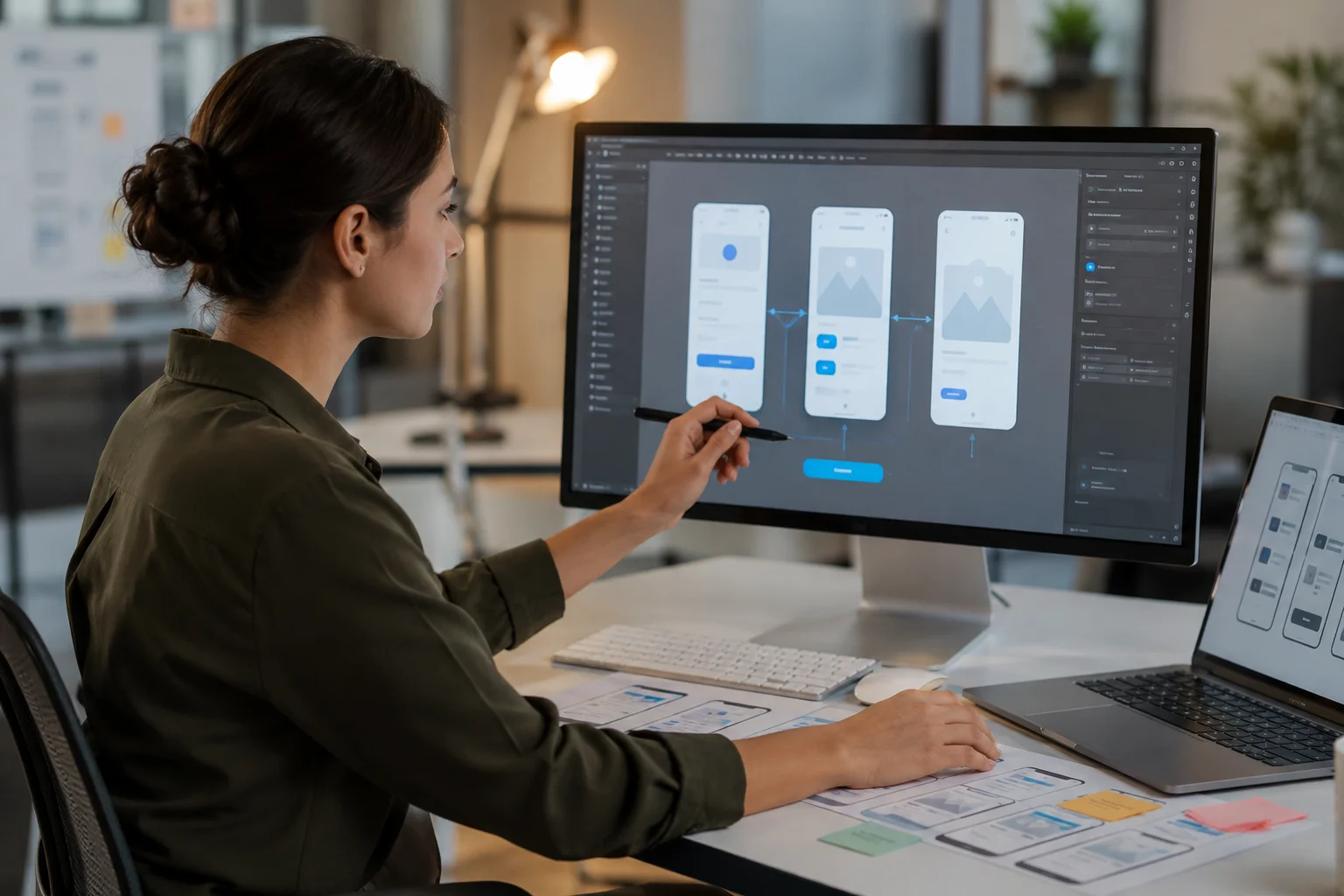
Digital experiences are no longer contained to static screens. Today’s consumers want websites, mobile apps and digital products to be slick, interactive and engaging. This has made motion design an important skill for UX designers to create meaningful user experiences.
Motion design is more than just adding animation or visual effects. Used well, it really helps users to understand interactions, easily find their way around a product and receive clear feedback. “Knowing motion design principles can help UX designers improve usability, communicate more effectively and create experiences that feel more natural and intuitive.
What Is Motion Design in UX Design?
Motion design in UX design is the use of animation, motion and transitions to improve the user’s experience with digital products. It’s about how elements move, react, and change on screen to lead users through an experience.
Motion design that works has a purpose and is not just a decorative animation to make things look pretty. It can highlight important actions, show relationships between elements, provide feedback and make understanding of complex interactions easier.
Think of a button that changes its appearance when you click it , or a nice transition from one screen of the app to another , or an animated loading indicator . All these are examples of motion design that makes the entire experience better.
Why Motion Design Is Important for UX Designers
Motion design has become an important part of modern UX design, helping to bridge the gap between users and digital products. Good animation can convey information faster than static graphics, and make interactions feel more natural.
For UX designers, motion is another way to guide users. It helps to explain changes , to show progress and to make a clear link between what the user does and how the system responds . This increases usability and reduces confusion, especially in complex digital products.
With organisations increasingly focusing on delivering better customer experiences, designers with an understanding of motion design principles will have an edge in creating engaging and user-friendly interfaces.
How Motion Design Improves User Experience
One of the most significant advantages of motion design for UX designers is better user understanding. Movement can be used to draw attention to important elements and help users understand what is going on in the screen.
For example, a subtle animation can indicate that an action is completed, or a transition between pages can orient users to where they are in an application. These small interactions help smooth things out, and make digital products seem more responsive.
Motion design also increases user engagement. Products can be fun to use and do their job with nice animations. Increased user engagement is a natural consequence of when users feel a sense of a connection with the interface.
Key Motion Design Skills UX Designers Should Develop
UX designers should know some vital principles to make good use of motion in their designs. Timing and speed are important because animations that are too slow can frustrate users and animations that are too fast may go unnoticed.
Also, UX designers should know about transitions, easing, and visual hierarchy. These principles help to create movement that feels natural and adds to the user journey instead of detracting from it.
Another key skill is the ability to understand microinteractions. Well-designed micro-interactions can be a huge boost to overall user experience – hover effects, button feedback, loading animations and so on.
Designers can use tools like Figma, Adobe After Effects, Principle, and ProtoPie to create and test motion-based experiences.
Motion Design and Micro-Interactions in Modern UX
Micro-interactions are those little moments of design where users interact with a product. They may seem simple but play an important role in creating a polished user experience.
Think of a notification animation, a progress indicator, a swipe response, or a confirmation message after an action. These interactions provide feedback and increase the user’s affinity for the product.
UX designers can harness the power of micro-interactions to design interfaces that are not only functional but also fun and memorable.
The Future of Motion Design in UX
Motion design is becoming an increasingly important skill for UX designers as digital products continue to evolve. Interactive design is being transformed by emerging technologies like artificial intelligence, augmented reality, and immersive digital experiences.
The UX designers of the future will need to combine the classic UX principles with motion, storytelling and technology to create experiences that are engaging and easy to use. To keep up with the changing expectations in the digital industry, designers need to have motion design skills to stay competitive.
FAQs
1. Why is motion design important for UX designers?
Motion design helps UX designers create smoother interactions, improve usability, guide users, and provide clear feedback within digital products.
2. What is the difference between motion design and animation?
Animation focuses on creating movement, while motion design uses movement strategically to improve communication, usability, and user experience.
3. Do UX designers need to learn motion design?
Yes. While not every UX designer needs to become an expert animator, understanding motion principles helps create better digital experiences and collaborate effectively with developers and motion designers.
4. What tools can UX designers use for motion design?
Popular motion design tools for UX designers include Figma, Adobe After Effects, Principle, ProtoPie, and Framer.
5. How do micro-interactions improve UX design?
Micro-interactions provide feedback, guide users through actions, reduce confusion, and make digital products feel more responsive and engaging.
For more blogs: https://worlddesigncouncil.org/blogs/